


Comprehensive Guide: Mastering Magento 2.4.6 Shipping Configuration
Shipping plays a pivotal role in the success of any eCommerce venture, directly influencing customer satisfaction and significantly affecting your profitability. With Magento 2.4.6, the latest iteration of this renowned eCommerce platform, you’re equipped with extensive shipping configuration options, designed to fine-tune your delivery services to align perfectly with your business model. This detailed guide aims to simplify the process of setting up shipping methods in Magento 2.4.6, providing you with a step-by-step walkthrough.
Step 1: Access Your Magento Admin Panel
Initiate the configuration process by logging into your Magento admin panel using your administrator credentials. This initial step is crucial as it ensures you have the appropriate permissions to modify shipping settings.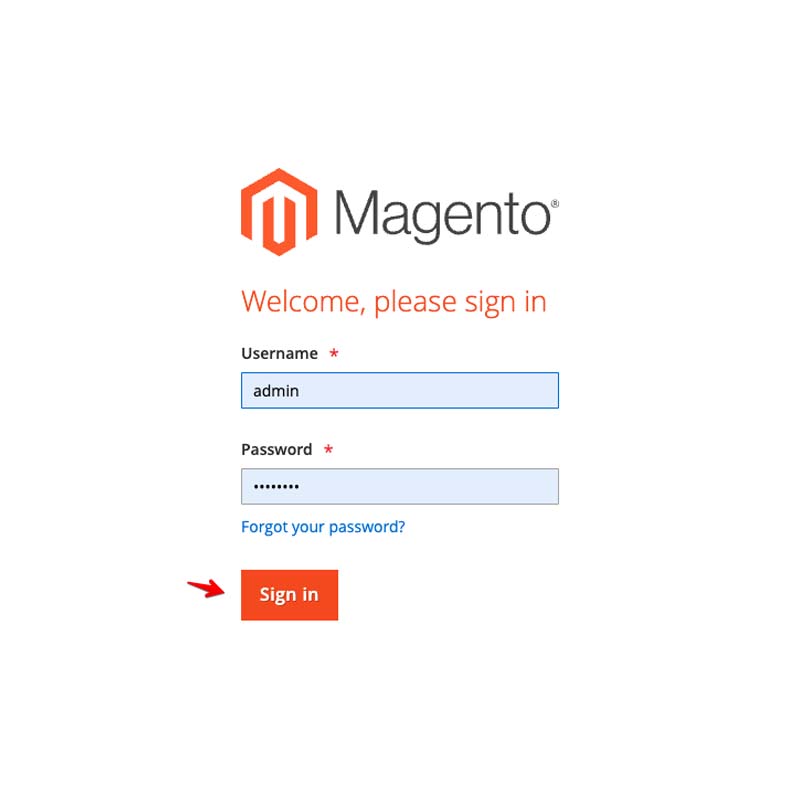
Step 2: Proceed to Shipping Methods Configuration
Once logged in, navigate to the “Stores” section found in the left sidebar of your admin panel. Within the “Settings” sub-menu, locate and click on “Configuration” to move forward to the configuration settings.
Step 3: Tailor Your Default Shipping Settings
In this area, you’ll encounter a wide array of configuration options for your store. To set up your default shipping settings, click on the “Sales” tab followed by “Shipping Methods.” This section will display various shipping carriers, including “Flat Rate.”

Flat Rate Shipping: This method is straightforward and commonly utilized. Select “Flat Rate” to adjust its settings. Activate it by toggling “Enabled” to “Yes.” Personalize aspects such as the title (how it’s presented to customers during checkout), the method name, and the shipping cost. You can also customize handling fees, error messages, and display settings to align with your business objectives.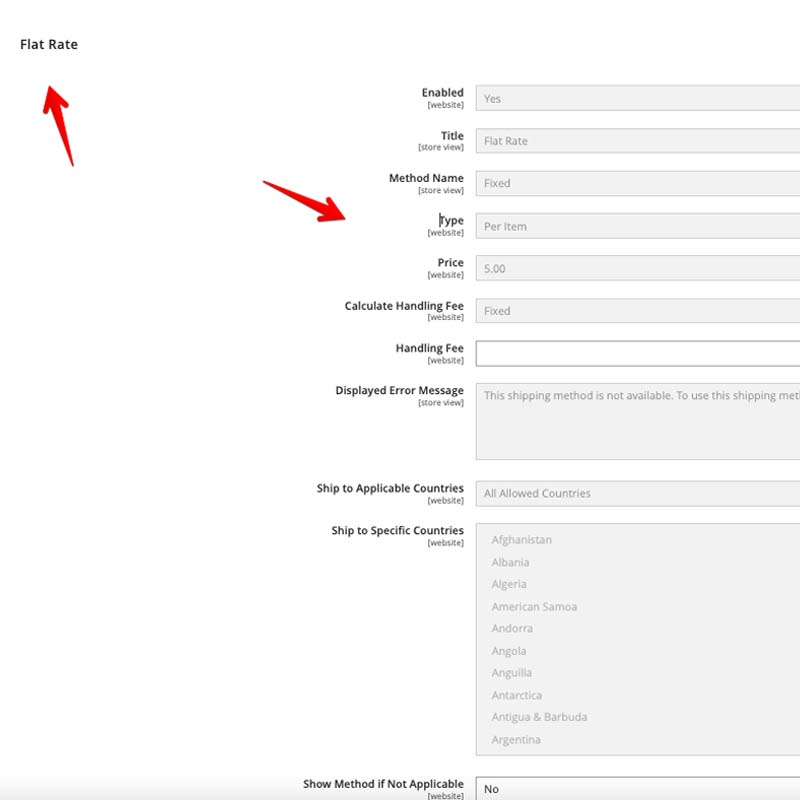
Step 4: Implement Additional Shipping Methods
Magento 2.4.6 supports a range of popular shipping carriers. Activate and tailor these carriers to meet your specific business requirements.
UPS (United Parcel Service): Choose “UPS” under the “Sales” > “Shipping Methods” section. Input your UPS account information, including the access key, username, password, etc. Activate UPS shipping for your customers by setting “Enabled” to “Yes,” and personalize settings such as the title, handling fees, among others.
FedEx (Federal Express): Similarly, select “FedEx” under the “Sales” > “Shipping Methods” section. Enter your FedEx account details, enable the carrier, and adjust settings including the title, handling fees, and more.
USPS (United States Postal Service): Opt for “USPS” under the same section. Provide your USPS account details, enable the carrier, and fine-tune settings to ensure precise and efficient shipping calculations for your clients.
DHL: Navigate to “DHL” within the “Sales” > “Shipping Methods” section. Configure your DHL account, enable the carrier, and customize the shipping method to suit your business needs.
Step 5: Establish Shipping Restrictions and Conditions
Magento 2.4.6 allows the setting of specific restrictions and conditions for your shipping methods. This helps in refining your shipping options based on factors such as customer location, order total, weight, among others.
Visit the “Shipping Settings” tab within each shipping carrier’s configuration section to set restrictions and conditions. Here, you can define the geographic areas where a carrier operates, stipulate minimum and maximum order values, and create rules to govern the visibility and applicability of shipping methods to your customers.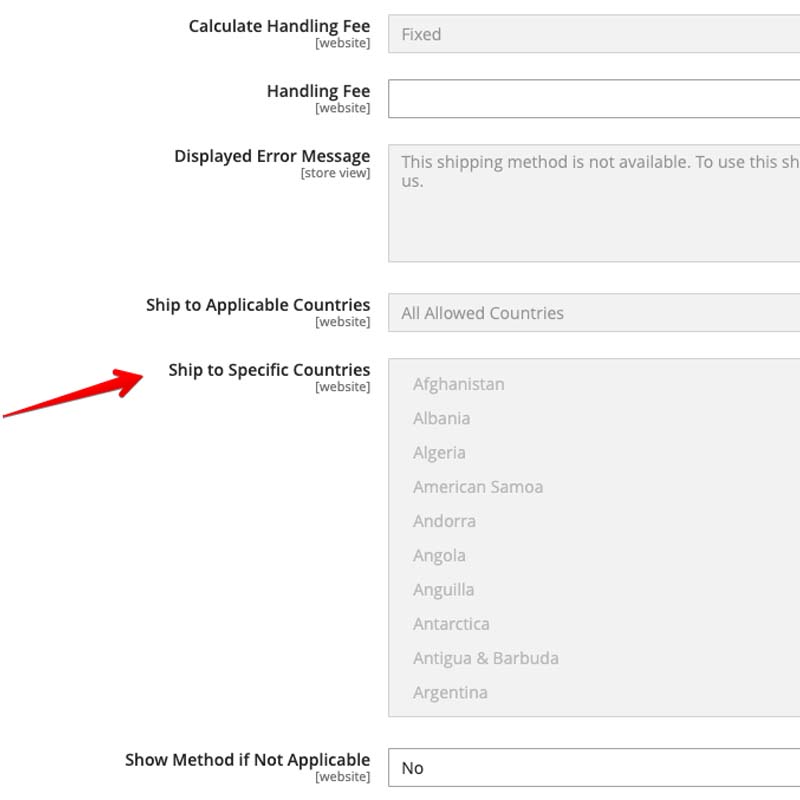
Step 6: Save Your Configuration Changes
After all adjustments and customizations, remember to save your configurations. Click the “Save Config” button, typically located in the upper right corner of the screen, to apply and securely store your settings.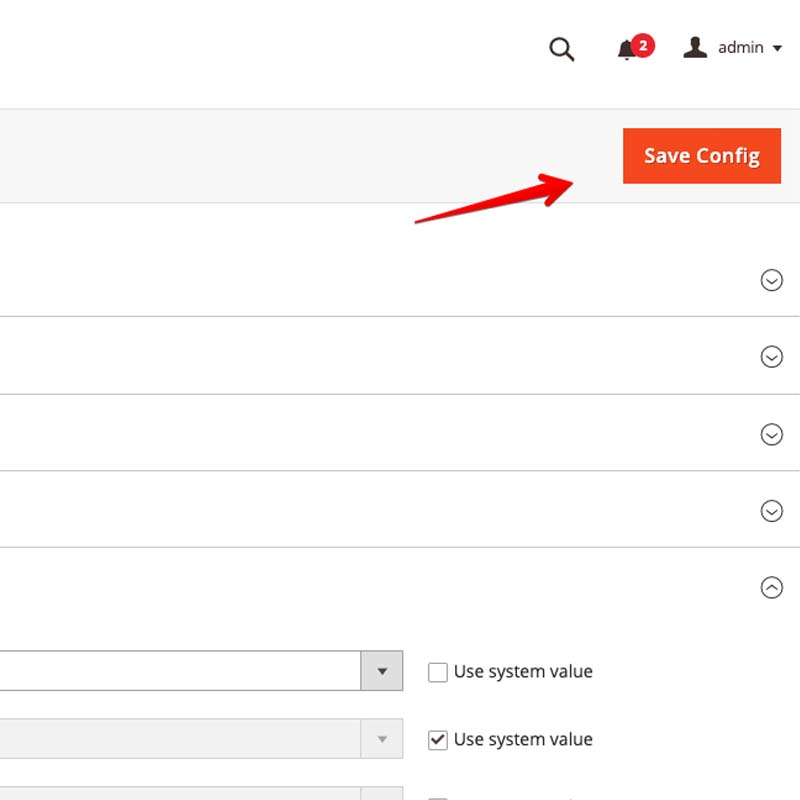

Configuring shipping methods in Magento 2.4.6 is an essential step in ensuring a smooth and satisfying shopping experience for your customers. This detailed guide is crafted to assist you in navigating the setup process seamlessly, guaranteeing that your eCommerce store presents efficient and reliable shipping options, tailored to your unique business requirements. Leveraging Magento’s versatility and its comprehensive support for various carriers, you can boost customer satisfaction and propel your eCommerce business towards success.